S.T.A.L.K.E.R. 2: Heart of Chornobyl NVG and Binocular Map
The current S.T.A.L.K.E.R. 2: Heart of Chornobyl map has 5 NVG placements and 13 binocular placements, with several named examples.
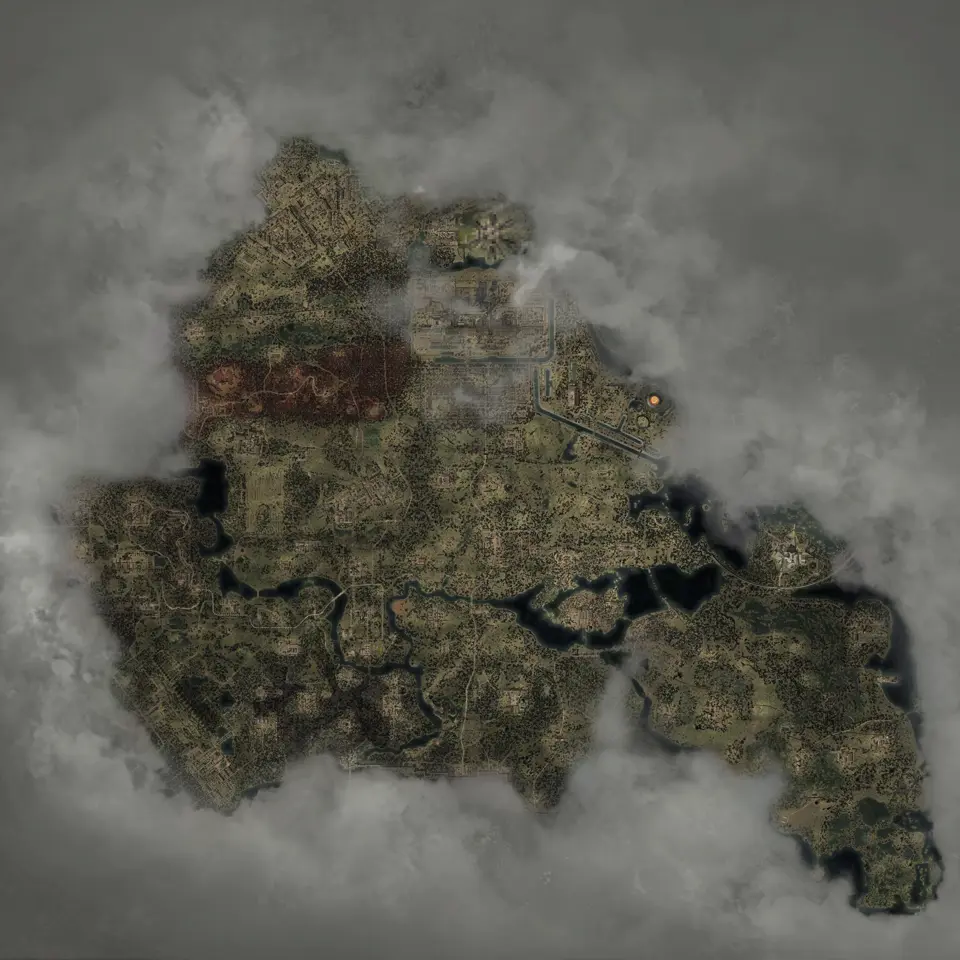
Layers this guide uses

The current map contains 5 Night vision markers and 13 Binoculars markers. Named counts include NVG Gen 1 (1), NVG Gen 2 (2), and three binocular models with 4, 5, and 4 fixed placements respectively.
Open both optics layers. Night vision is visible in the default layer set, while Binoculars starts switched off. Use the layer controls or search a model name when you want both sets on screen.
Night vision models and examples
| Map name | Direct marker |
|---|---|
| NVG Gen 1 | Open the optic |
| NVG Gen 2 | Open the optic |
| Night vision | Open the first generic point |
| Night vision | Open the second generic point |
The 2 generic points use the in-game label without naming a model. Search for Night vision to find them.
Selected binocular models among 13 placements
| Model | Fixed markers | Direct example |
|---|---|---|
| Binoculars FOB-45 | 4 | Open an FOB-45 point |
| "Yastrub" Binoculars | 5 | Open its point |
| "Fighter" Binoculars | 4 | Open its point |
GSC introduced these binocular models with Update 2.0. The 13 map markers are placements, so a model can appear more than once.
Why search may show a point while the layer looks empty
Search reads marker names, while the visible map respects the active layer filters. If you close a selected optic and want to compare it with the other models, check that its layer is still active.
Use exact model names where possible:
- For a named NVG, copy the full model name from the table instead of searching for a broad equipment type.
- For a binocular, use the exact model shown on its marker card, including quotation marks when the name contains them.
- For a generic night-vision record, use the in-game generic label and check the selected marker card before traveling.
Searching only night can also match places or descriptions. The exact name gives a shorter result list.
Search results can group repeated names. Open the grouped result, inspect each candidate in the region you can currently reach, and keep the optics layers active until you have selected one point. A grouped count is not a promise that every pickup is available at the same story stage. The map records published placements; it does not evaluate the equipment already in your inventory or the current state of a quest.
Plan an optics pickup route
Open NVG, binocular, and landmark pins. Pick the point nearest your current region, then add Beds or repair-service pins if the route needs a service stop.
Keep the supply layers off while comparing the 18 optics markers; healing and ammunition markers will crowd the view.
Before committing to a long trip, zoom in and identify the road, compound entrance, or other visible approach around the selected point. Two markers that look close at full-map scale can sit on opposite sides of a barrier. If the approach is unclear, copy the selected marker link and reopen it after checking the route in the game. The saved point is more useful than trying to remember a dense cluster of nearby icons.
When you collect an optic, use Mark as found on its marker card. The map fades that point so the uncollected optics stand out, and the progress stays in the current browser.
If the pickup is missing, leave the marker unresolved until you have checked the nearby interior and your current story state. Marking a point found only because you reached the coordinate makes the next audit harder. Use the found state for confirmed collections, and keep inaccessible or conditional points visible for a later route.
Maps in this guide
More S.T.A.L.K.E.R. 2: Heart of Chornobyl guides
S.T.A.L.K.E.R. 2: Heart of Chornobyl Zone Interactive Map
The S.T.A.L.K.E.R. 2: Heart of Chornobyl map holds 17,109 markers in 49 layers, including named borders, landmarks, and loot for Iron Forest and CNPP.Read the guideHow to Begin S.T.A.L.K.E.R. 2: Cost of Hope: Save Guide
The cleanest S.T.A.L.K.E.R. 2: Cost of Hope start is after leaving Lesser Zone, when Answers Come at a Price begins, but an eligible existing save or a DLC skip start also works.Read the guideS.T.A.L.K.E.R. 2: Heart of Chornobyl Iron Forest DLC Map
The map shows S.T.A.L.K.E.R. 2: Cost of Hope landmarks and loot in Iron Forest and CNPP. Use the in-game journal for DLC missions and confirm available services in your current save.Read the guideS.T.A.L.K.E.R. 2: Heart of Chornobyl Update 2.0 Guns Map
The map has fixed Update 2.0 markers for ARev, GP3A, and Fora-230. Other new models without a published fixed point are outside this location checklist.Read the guideS.T.A.L.K.E.R. 2: Heart of Chornobyl Exoskeleton Map
The current S.T.A.L.K.E.R. 2: Heart of Chornobyl map has 106 standard suit placements and 2 Unique Armor pins for that unique suit, including 12 exoskeleton placements; selected models are compared below.Read the guide