How to Begin S.T.A.L.K.E.R. 2: Cost of Hope: Save Guide
The cleanest S.T.A.L.K.E.R. 2: Cost of Hope start is after leaving Lesser Zone, when Answers Come at a Price begins, but an eligible existing save or a DLC skip start also works.
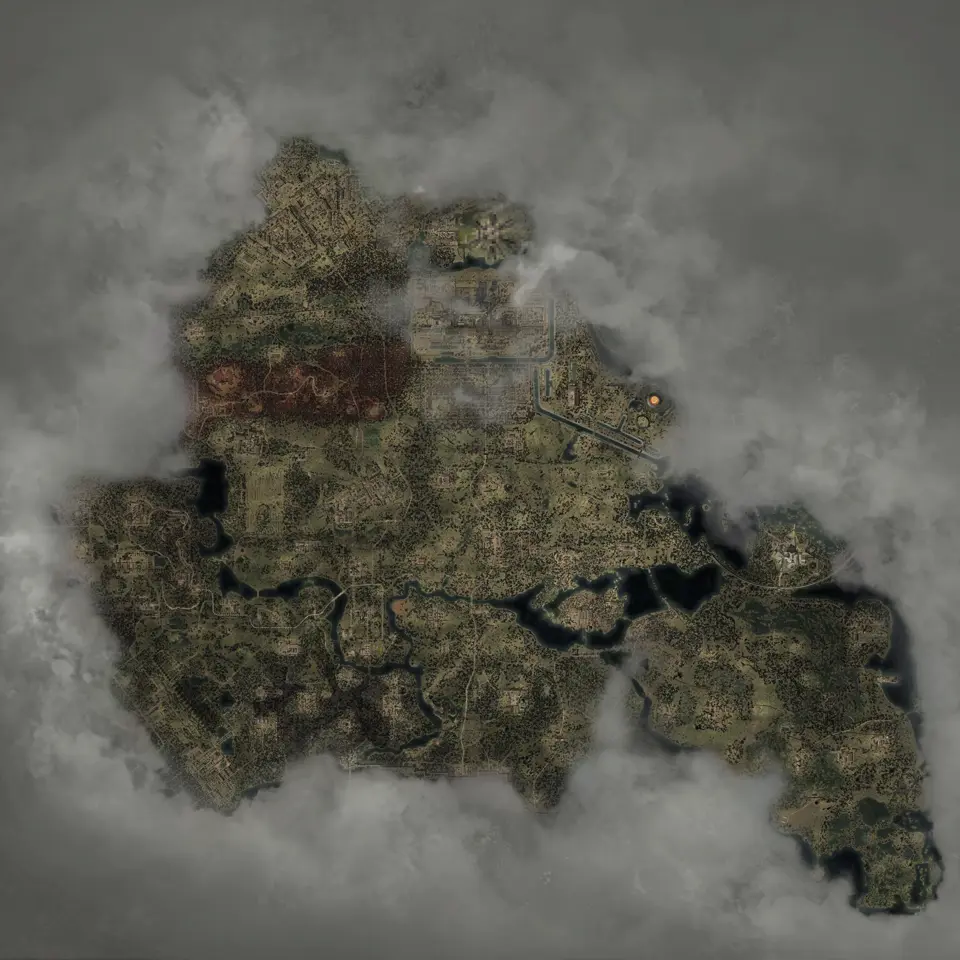
Layers this guide uses


Begin S.T.A.L.K.E.R. 2: Cost of Hope after leaving Lesser Zone, around the point where Answers Come at a Price begins. GSC identifies that as the most natural place in the base story. You can also use an eligible existing save or create a DLC shortcut save from the main menu.
The expansion does not require a full restart. It adds Iron Forest and CNPP to the same open world, and both regions appear on the shared map.
Begin S.T.A.L.K.E.R. 2: Cost of Hope from an existing save
Load a save made before the base game’s point of no return. The expansion content becomes available once that save has reached the required story state.
If you have several saves, use one from normal open-world play rather than a save already committed to the final sequence. The official FAQ says the game can offer a valid save or a custom starting save when your current save is not eligible for the DLC.
The first part of S.T.A.L.K.E.R. 2: Cost of Hope becomes available shortly after leaving Lesser Zone. The later part unlocks after completing A Minor Incident. These are progression checks, not map borders. Seeing CNPP on the interactive map does not mean the current save can enter every mission there.
Begin from the main menu instead
The menu route is:
- Choose the option for a new campaign.
- Open the DLC-content option.
- Choose the skip-ahead route.
- Pick the earlier or advanced setup.
The earlier setup places the new save near the beginning of the relevant progression. The advanced setup skips farther ahead and can use Spark or The Ward base-story context. GSC states that this choice changes the base-game story setup, not the content inside S.T.A.L.K.E.R. 2: Cost of Hope.
Use a shortcut start when you no longer have a suitable save or when you want a clean DLC run without replaying the base story.
Where Answers Come at a Price fits
Answers Come at a Price appears at several points in the story-objective layer because its objectives change over the course of the mission.
Use the mission name as a progress check, not as a single destination pin. If the quest has begun, you are near GSC’s recommended starting window. If your save is much later, check that it is still before the point of no return.
When A Minor Incident matters
GSC names the mission as the base-game requirement for the second part of the expansion. The map includes its conditional objectives, but it cannot complete the mission for you or force the DLC state to update.
If later the expansion content is missing, confirm the quest is complete in the save rather than walking to the region early. A visible region label and an unlocked story stage are different things.
Can you leave the DLC and return to the open world?
Yes, during normal open-world sections. GSC says you can pause the DLC path and return to other activities. The exception is an active underground mission, where the current mission must be finished before free travel resumes.
That makes a service view useful before entering a long sequence. Open hubs, merchants, repair stops, medical help, and sleeping spots together to repair, sell, and save before committing.
If the expansion still does not appear
Check these in order:
- Confirm the expansion is owned by the account or included through Ultimate Edition or the Season Pass.
- Update the game to the current version.
- Load a save before the point of no return.
- Check whether the save has left the region and reached Answers Come at a Price.
- For later content, confirm the mission is complete.
- If the save still cannot qualify, use the main-menu DLC shortcut.
The map can show where regions and missions sit. It cannot repair entitlement, version, or save-state problems.
Maps in this guide
More S.T.A.L.K.E.R. 2: Heart of Chornobyl guides
S.T.A.L.K.E.R. 2: Heart of Chornobyl Zone Interactive Map
The S.T.A.L.K.E.R. 2: Heart of Chornobyl map holds 17,109 markers in 49 layers, including named borders, landmarks, and loot for Iron Forest and CNPP.Read the guideS.T.A.L.K.E.R. 2: Heart of Chornobyl Iron Forest DLC Map
The map shows S.T.A.L.K.E.R. 2: Cost of Hope landmarks and loot in Iron Forest and CNPP. Use the in-game journal for DLC missions and confirm available services in your current save.Read the guideS.T.A.L.K.E.R. 2: Heart of Chornobyl Update 2.0 Guns Map
The map has fixed Update 2.0 markers for ARev, GP3A, and Fora-230. Other new models without a published fixed point are outside this location checklist.Read the guideS.T.A.L.K.E.R. 2: Heart of Chornobyl Exoskeleton Map
The current S.T.A.L.K.E.R. 2: Heart of Chornobyl map has 106 standard suit placements and 2 Unique Armor pins for that unique suit, including 12 exoskeleton placements; selected models are compared below.Read the guideS.T.A.L.K.E.R. 2: Heart of Chornobyl Artifact/Detectors Map
The Artifact Spawns layer marks 95 points where the artifact can vary. The Artifacts layer marks 29 fixed named pickups, with anomaly and detector layers for route planning.Read the guide