S.T.A.L.K.E.R. 2: Heart of Chornobyl Travel and Service Map
Separate service layers contain 13 Guide markers, 38 Trader markers, 23 Technician markers, 14 Medic markers, 23 Base markers, and 51 Bed markers.
Layers this guide uses


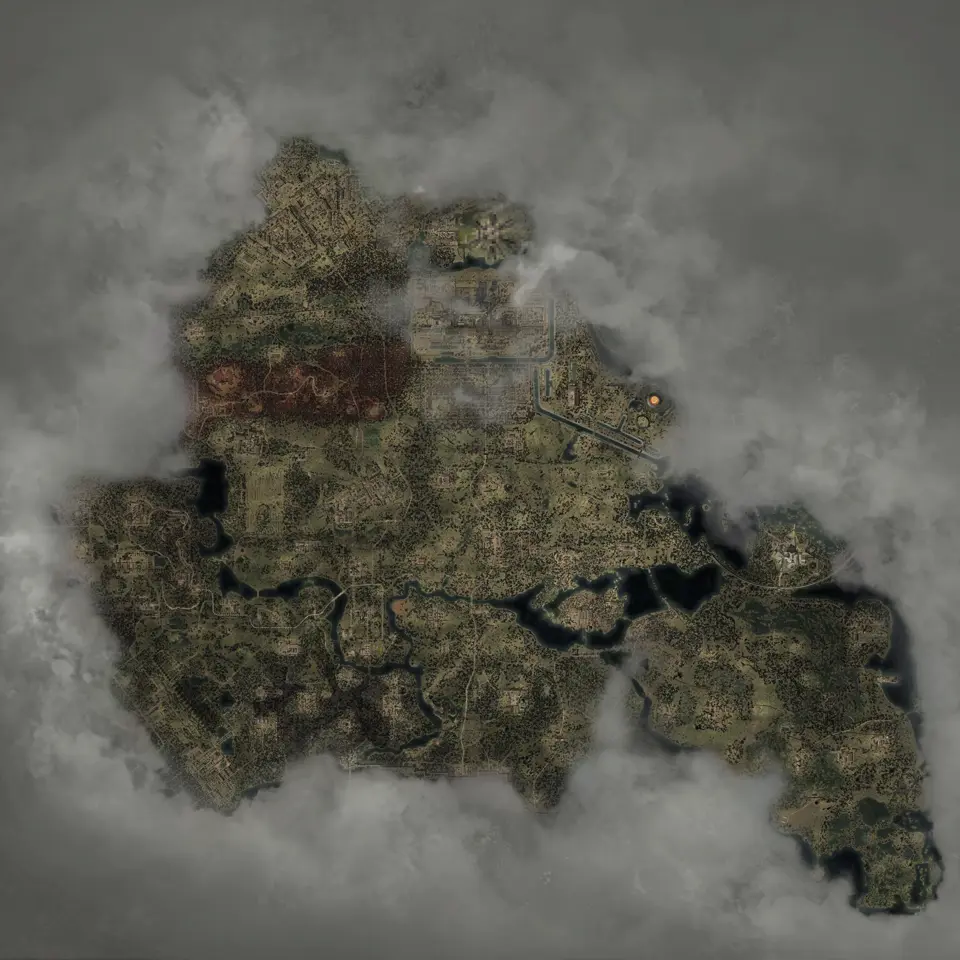
The Guides layer contains 13 fast-travel markers. Combine it with merchant, repair, medical, hub, and sleeping-spot pins when planning a service stop. Open all six service layers to see every mapped service at once.
The map shows each guide marker. The game still decides whether a guide is active, which destinations are available, and what the trip costs in the current save.
Find a guide for fast travel
Open the Guides layer and choose the nearest named travel NPC. If several travel markers appear near the same hub, search the character’s name; if you know only the hub, combine Guides with Bases.
Walk to the marked guide in the game and use the available dialogue.
Traders and repair layers answer different route questions
Traders are for buying and selling. Technicians are the repair and upgrade stops. Keep their layers separate so the chosen hub offers the service you need.
Use these focused views:
- Traders and hubs for selling a heavy loot run.
- Technicians and hubs before choosing a suit or gun route.
- Traders, repair stops, and travel NPCs when deciding which hub saves the most walking.
The nearest point in a straight line is not always the quickest. Roads, water, walls, mission locks, and guide availability can make a farther hub the practical choice.
Find services at the Slag Heap
Open the hub with its service layers. The selected place marker identifies the hub in Garbage, while the surrounding service pins show which stops are nearby.
Keep the place marker selected while comparing services. If a mission sends you back to the hub, the copied URL returns to that point instead of reopening the entire world.
Medics and sleeping spots are separate services
The map contains 14 medical-service markers and 51 sleeping-spot markers. Shelters are separate because an emission shelter does not always contain a usable place to sleep.
Use Medics and Beds before a long mission chain. Add Shelters only when the route also needs emission cover.
A bed marker identifies a sleeping place; add it only when the time of day matters to the route.
Plan a service loop before a loot run
- Select the loot or mission marker you intend to reach.
- Add merchant pins if inventory space is the concern.
- Add Technicians if equipment condition is the concern.
- Add a Guide when the return distance is the concern.
- Add a Bed before a route that may continue into the night.
Keep the target layer and the service layers, but remove unrelated supplies. This makes the route readable while still showing the stops that can change the plan.
DLC hubs including CNPP
| Service | Markers inside the two regions |
|---|---|
| Bases | 3 |
| Guides | 0 |
| Merchant pins | 0 |
| Technicians | 1 |
| Medical-service pins | 0 |
| Beds | 6 |
Use a Base marker for orientation and confirm available services in the game.
Share the route
Select the service marker and copy the URL. The link preserves the chosen point and current view, so the recipient opens the same place.
Open a confirmed service marker and choose Mark as found if you want it faded on later route checks.
Maps in this guide
More S.T.A.L.K.E.R. 2: Heart of Chornobyl guides
S.T.A.L.K.E.R. 2: Heart of Chornobyl Zone Interactive Map
The S.T.A.L.K.E.R. 2: Heart of Chornobyl map holds 17,109 markers in 49 layers, including named borders, landmarks, and loot for Iron Forest and CNPP.Read the guideHow to Begin S.T.A.L.K.E.R. 2: Cost of Hope: Save Guide
The cleanest S.T.A.L.K.E.R. 2: Cost of Hope start is after leaving Lesser Zone, when Answers Come at a Price begins, but an eligible existing save or a DLC skip start also works.Read the guideS.T.A.L.K.E.R. 2: Heart of Chornobyl Iron Forest DLC Map
The map shows S.T.A.L.K.E.R. 2: Cost of Hope landmarks and loot in Iron Forest and CNPP. Use the in-game journal for DLC missions and confirm available services in your current save.Read the guideS.T.A.L.K.E.R. 2: Heart of Chornobyl Update 2.0 Guns Map
The map has fixed Update 2.0 markers for ARev, GP3A, and Fora-230. Other new models without a published fixed point are outside this location checklist.Read the guideS.T.A.L.K.E.R. 2: Heart of Chornobyl Exoskeleton Map
The current S.T.A.L.K.E.R. 2: Heart of Chornobyl map has 106 standard suit placements and 2 Unique Armor pins for that unique suit, including 12 exoskeleton placements; selected models are compared below.Read the guide