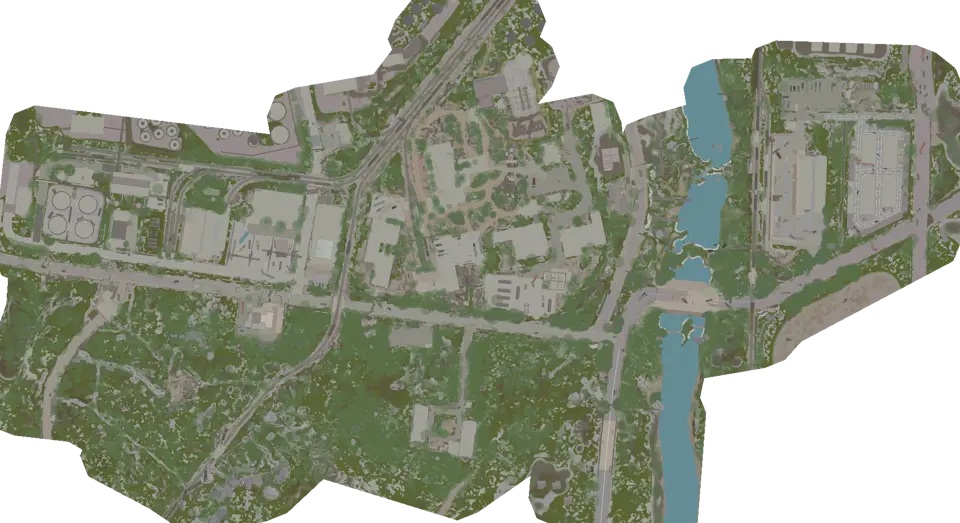
Interchange Map: Garage and Exits | Escape from Tarkov
Describe each stop by floor, entrance, and nearest connector. Keep the outside extraction leg separate from the route through the mall.
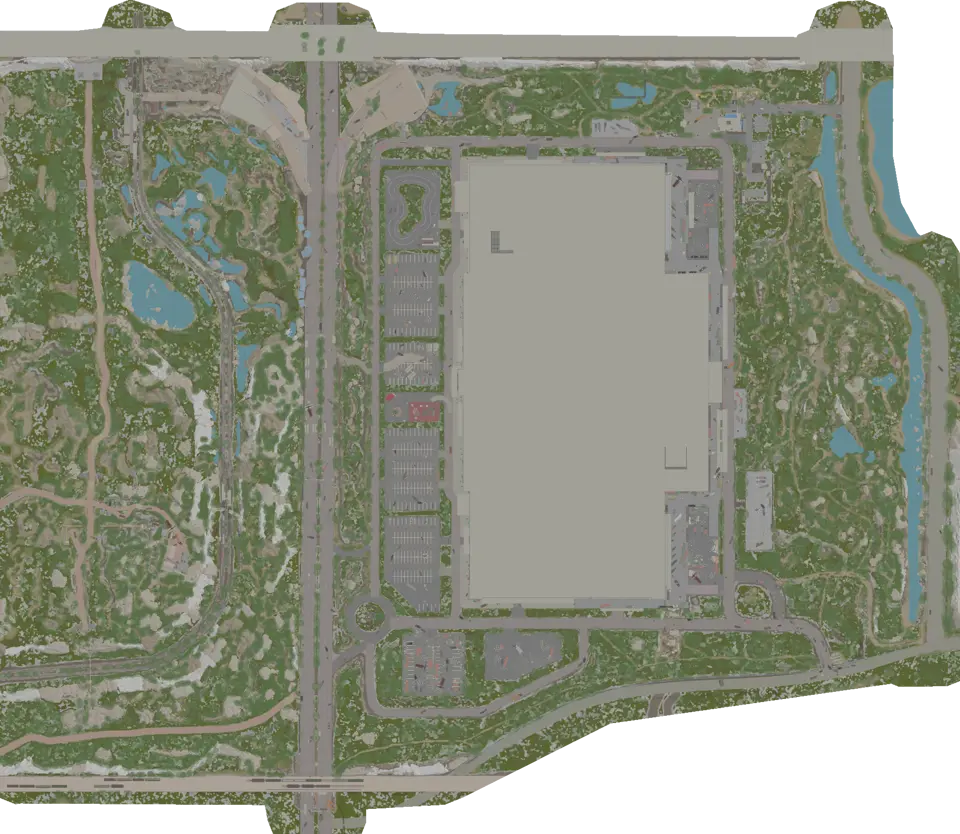
Layers this guide uses


Interchange contains 1,227 marked features in 4 views. Give every destination an address with three parts: the active view, the entrance or stair used to reach it, and the nearest recognizable corridor. A store name without those details does not help if you enter from the garage or the opposite side of the mall.
Write the outside leg first
Use Surface to identify the side of the building and an assigned extraction. Set controls, connectors, and exits on one planning view, then choose the exterior door that returns you toward the exit after the indoor objective.
Break the last leg into the building door, one outdoor landmark, and the extraction approach. Keep Minefields and Sniper zones visible if that approach nears the boundary. A clear area at the edge is not proof of a valid shortcut.
The backup exit should use another exterior door or leave the shared route early enough to matter. Two exit markers that depend on the same mall doorway are not fully separate options.
Give the garage a connector address
Select Parking garage after entering the garage. Rows and ramps repeat, so pair the target with a ramp, stair, or opening shown by Floor connections. Note what the connector looks like from both directions. The return side is often harder to recognize.
If the route moves from the garage to the mall, identify the first storefront or corridor after the floor change. Do not switch to a mall view and then search the entire building. The arrival connector narrows the possible position immediately.
When the map on a phone becomes crowded, hide exits while working inside the garage. Keep only the selected connector and target. Restore the outside route before climbing back toward the surface.
Use one mall floor at a time
The mall is split between First floor and Second floor. Search the exact destination and choose the view where its marker appears. Then trace from the arrival connector along a recognizable corridor.
Do not follow a nearby icon across views without finding a staircase. The pin may sit directly above or below the current position while the usable connector is elsewhere. If the corridor shape fails to match, go back to the last stair rather than choosing another store as a guess.
For Keyed doors, inspect the threshold and the side of the wall. Plan the return before entering a room that has one usable approach. Loot layers should be enabled only after the floor and corridor are settled.
Separate controls from the extraction marker
Some route plans include Raid controls. A control point is its own stop, and the map does not know its live state. Review the extraction layer by itself before the final leg, then compare the selected marker with the in-game raid list.
If the extraction has documented intermediate requirements, place exits, controls, connectors, and hazards together. Follow them in order. Reaching the final room does not prove that a previous action happened during the current raid.
Clear the control layer after the decision. Leaving several step types visible makes neighboring icons look like one combined location when they are separate places.
Check transit before leaving the mall
Compare transit markers with extractions. Read the category and destination on the selected point. Transit points does not become an assigned exit because it lies near the boundary.
Make this check before the outside leg, not while standing at the final icon. If you selected the wrong point type, the building door may need to change as well.
Questions about Interchange
How do I stop getting lost in the garage?
Use a connector address: active view, ramp or stair, and the corridor visible after the change. Avoid locating yourself from one repeated parking feature. Confirm two structural details before moving on.
Does a control marker show the current extraction state?
No. It shows a documented control location. Check the raid for current state and assignment, and keep the control, return route, and extraction as separate points on the plan.
Maps in this guide
More Escape from Tarkov guides
All Extraction Points and Exits | Escape from Tarkov Map
The raid list decides which exits matter. Match those names to the map, read each marker, and choose a fallback before moving toward the final sector.Read the guidePMC Starts, Boss Areas and AI Zones | Escape from Tarkov Map
Read spawn layers before the first route choice, then clear them. Reopen boss or AI areas only when planning a specific approach on the correct floor.Read the guideKeys, Locked Doors and Map Controls | Escape from Tarkov
Search the exact door before routing to it. Check the threshold, the return path, and any separate control point without assuming its live state.Read the guideLoot Containers and Loose Loot Routes | Escape from Tarkov
Choose a compact cluster beside the extraction route. Treat containers as known stops and loose-loot markers as possible locations rather than promised items.Read the guideTransit Routes Between Maps | Escape from Tarkov Guide
Treat every transit as a directed leg to a named location, then rebuild the next route under the new map and raid conditions.Read the guide