PMC Starts, Boss Areas and AI Zones | Escape from Tarkov Map
Read spawn layers before the first route choice, then clear them. Reopen boss or AI areas only when planning a specific approach on the correct floor.
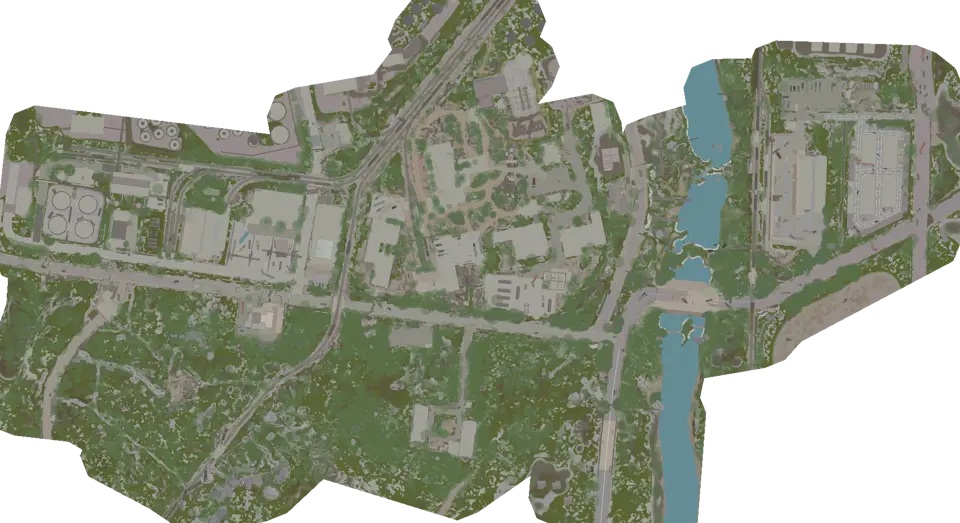
Spawn markers lose usefulness as the raid develops. The catalog has 1,195 possible PMC start markers, 113 boss-area markers, and 130 AI-area markers. They document fixed possibilities. None of them show a live position, movement, or confirmed presence.
Use PMC markers for the first route choice
Turn on PMC spawns while identifying your own start from two map features. Look at neighboring possibilities and decide which initial corridor has a known retreat. Do not assign a player to every nearby marker.
On Customs, view boss areas without the opening markers, then compare all three spawn categories. Separating the views keeps a possible opening route from blending into a later boss objective.
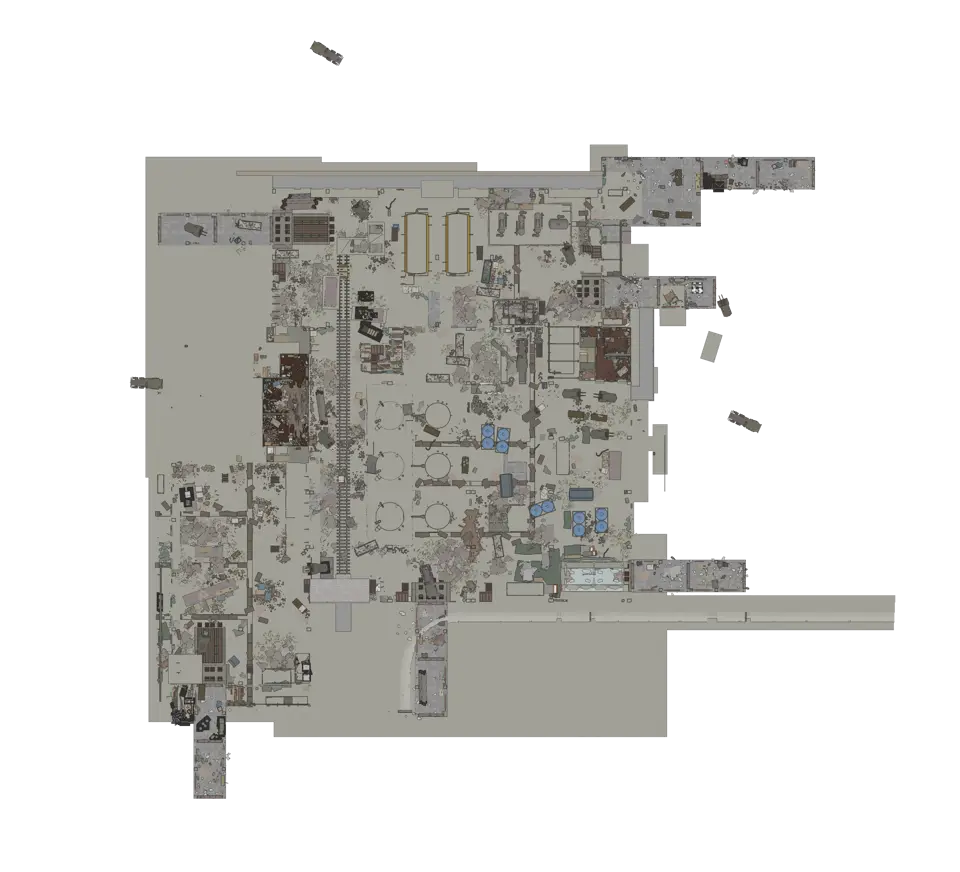
Factory compresses several floors into a small plan. Confirm the active view and the first connector before judging whether another marker shares the same corridor. Vertical proximity on the screen does not establish a direct encounter route.
Clear PMC markers after reaching the first known room, road, or landmark. From then on, visible and audible evidence in the raid has more value than the original set of possible starts.
Reopen boss areas for one approach
The Possible boss spawns layer marks documented locations that may need a cautious plan. It does not confirm that a boss is present. Choose an observation point, a point where the approach stops, and a retreat that returns toward the raid objective.
For Reserve, compare boss and AI areas before entering a sector. Check whether the marker belongs to the surface or an underground view. A flat map can make separated levels look adjacent.
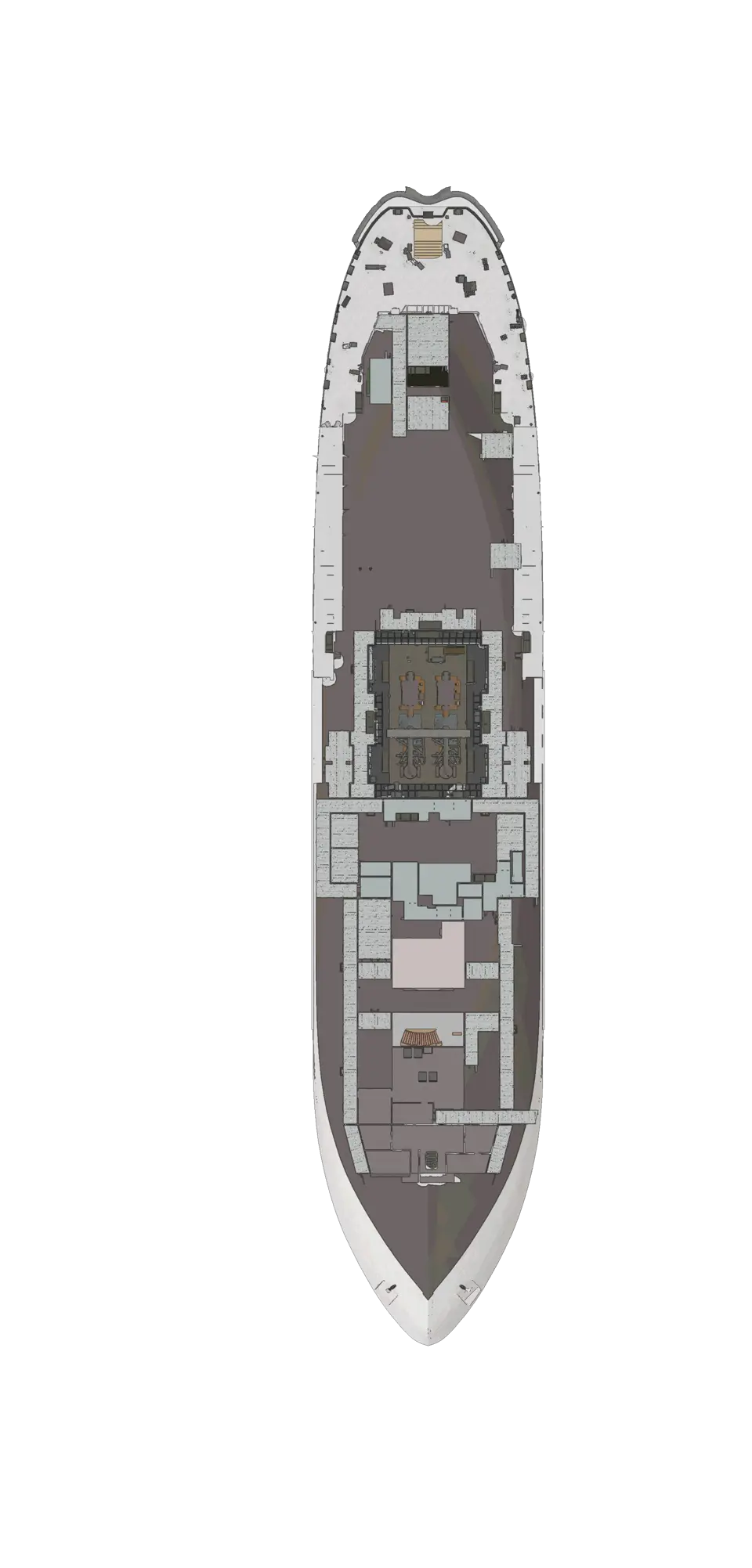
On Icebreaker, follow spawn areas across the deck views. Choose the connector used to enter the area and confirm the corridor on the arrival deck. Hide the layer again after leaving that section.
Treat AI zones as route context
Use Possible AI spawns to identify documented areas where the approach deserves a plan. It is not a radar, and an empty marker does not prove the route is clear. The raid provides the current evidence.
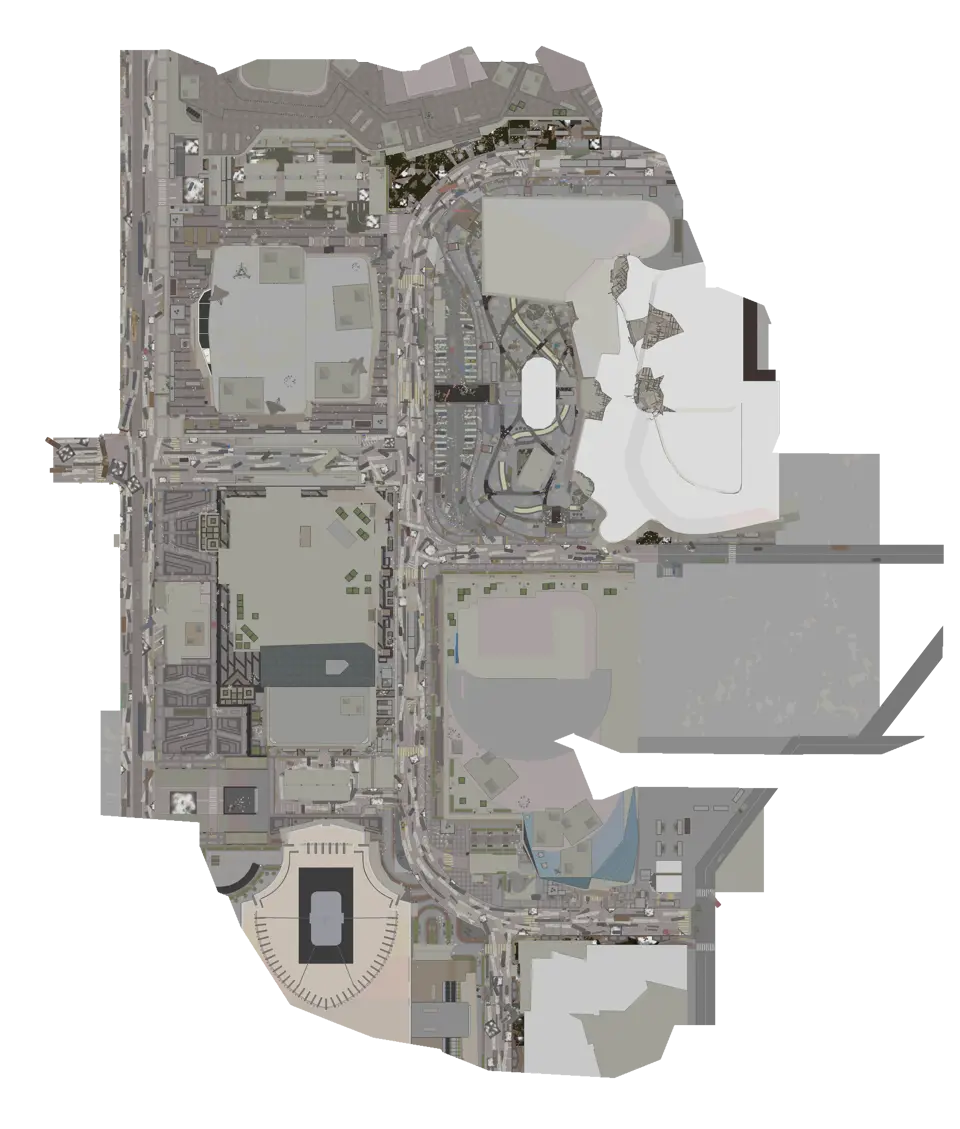
Ground Zero overlays street and interior views, so select the floor before interpreting a marker. On The Lab, show PMC, boss, and AI areas without loot, then relate the selected area to its nearest connector.
Some maps do not support all three categories. Terminal and The Labyrinth have boss-area markers without AI-area markers. Do not fill a missing category with an assumption.
Reset the map after each decision
The spawn view should have a short life. Use it for the first corridor, clear it, and return to the extraction and objective. Reopen only the boss or AI category when you are about to inspect that specific area.
This reset matters on a phone. A static start pin left on screen can resemble current information when the player associated with that possibility may have moved anywhere. Removing old layers also exposes doors and connectors needed for navigation.
If you return to a documented area later, build a fresh approach from the current position. Do not reuse the opening assumption. Select the correct view, find a retreat, and let raid evidence decide whether to continue.
Questions about spawn markers
Does a PMC marker identify a player in this raid?
No. It records a possible starting location. Use nearby markers to choose the first route and retreat, then hide them once the opening decision is over.
Does a boss-area marker confirm a boss spawn?
No. It tells you where a documented boss area is located. Plan a place to observe and a route to leave, but confirm the situation only from evidence in the current raid.
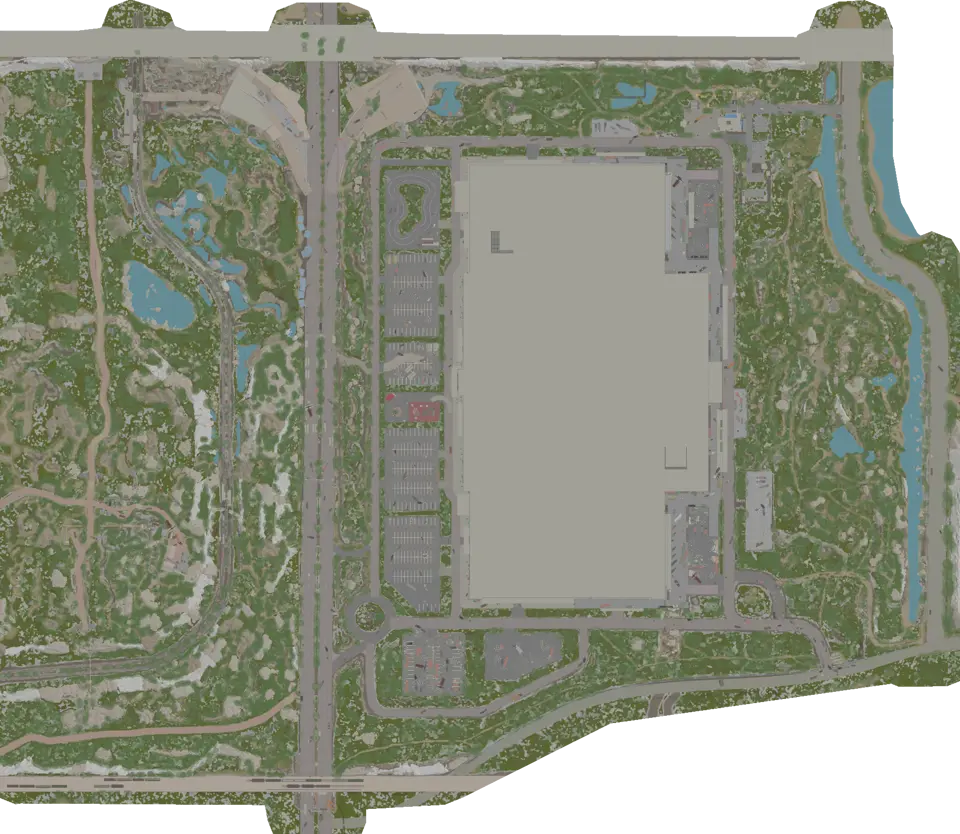
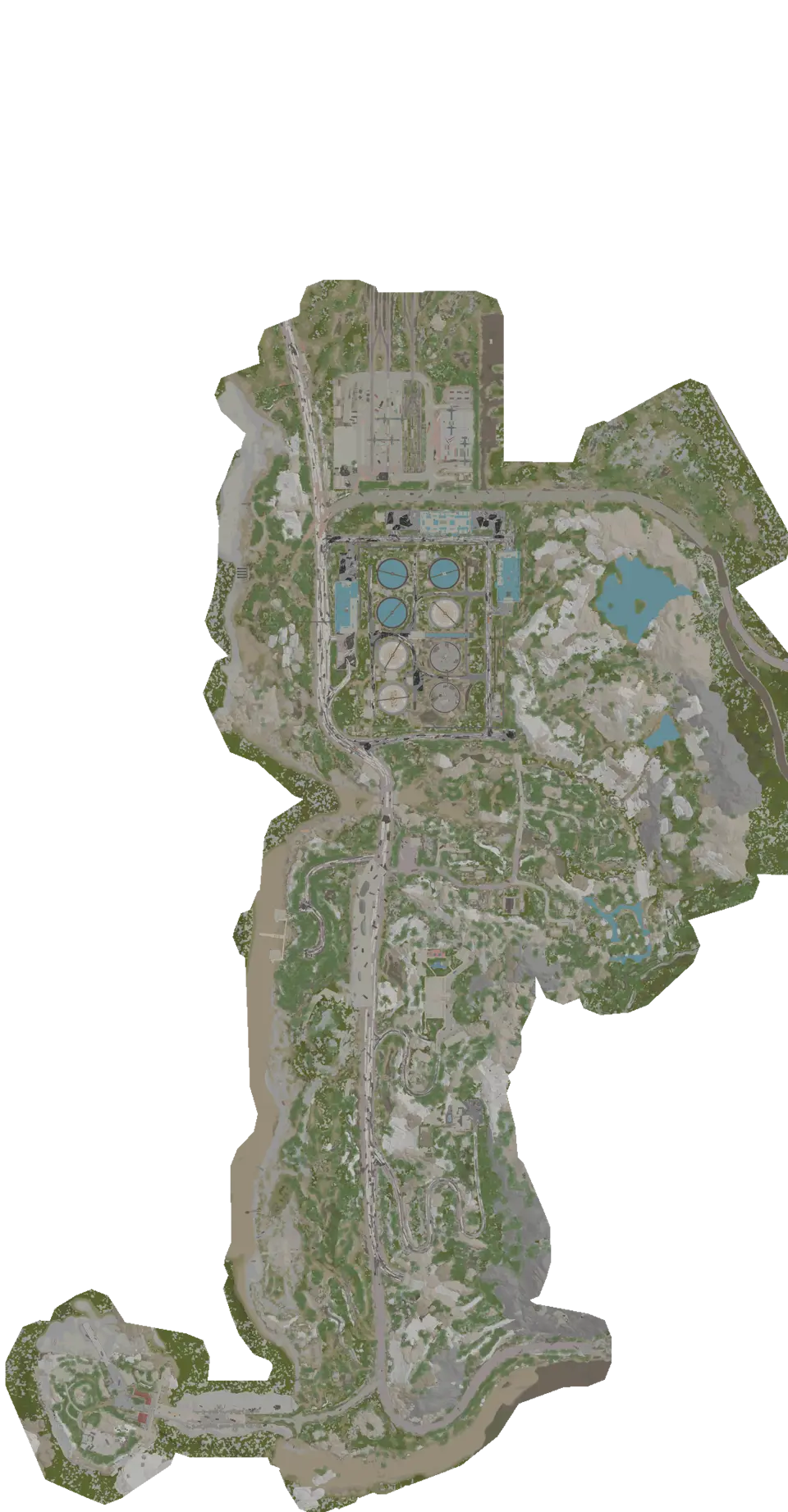
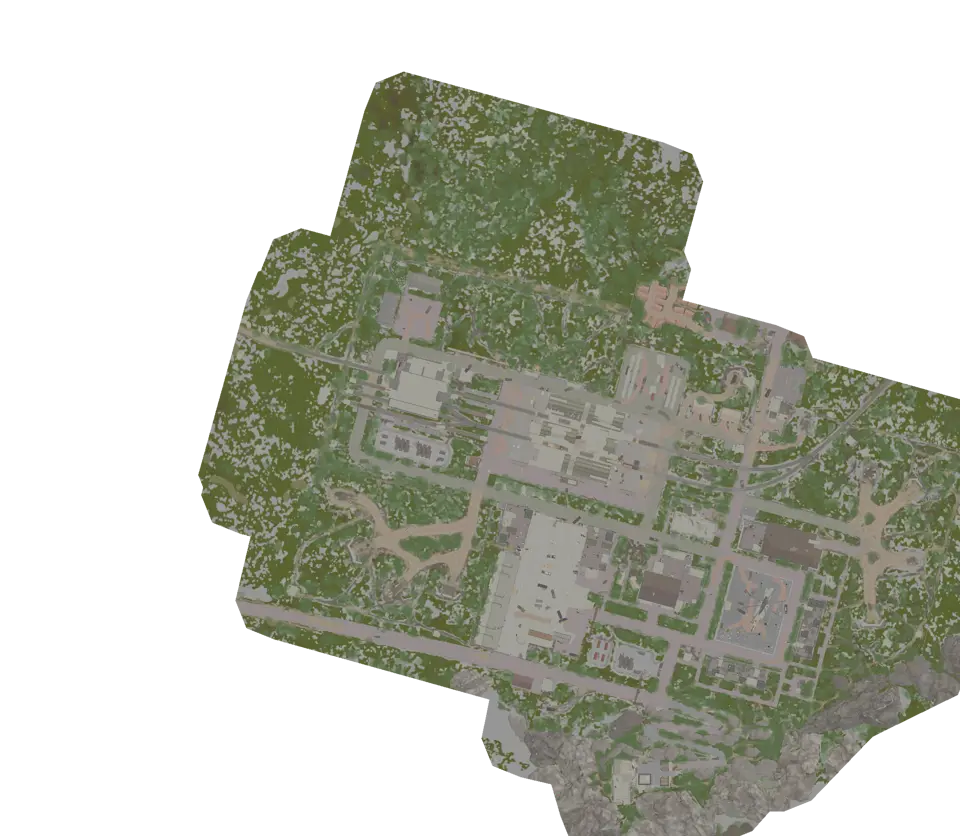
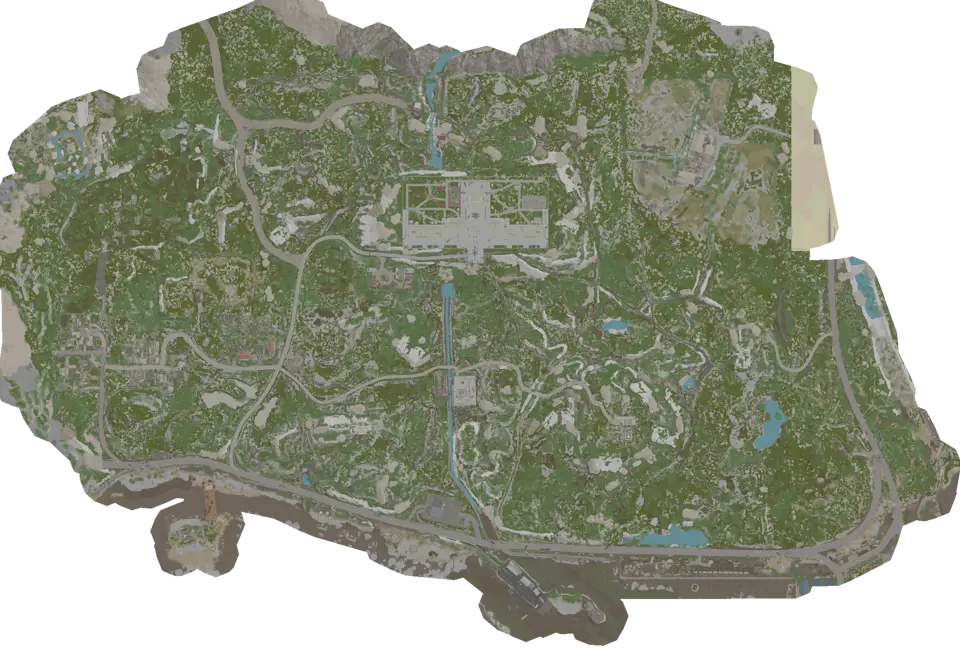
Maps in this guide
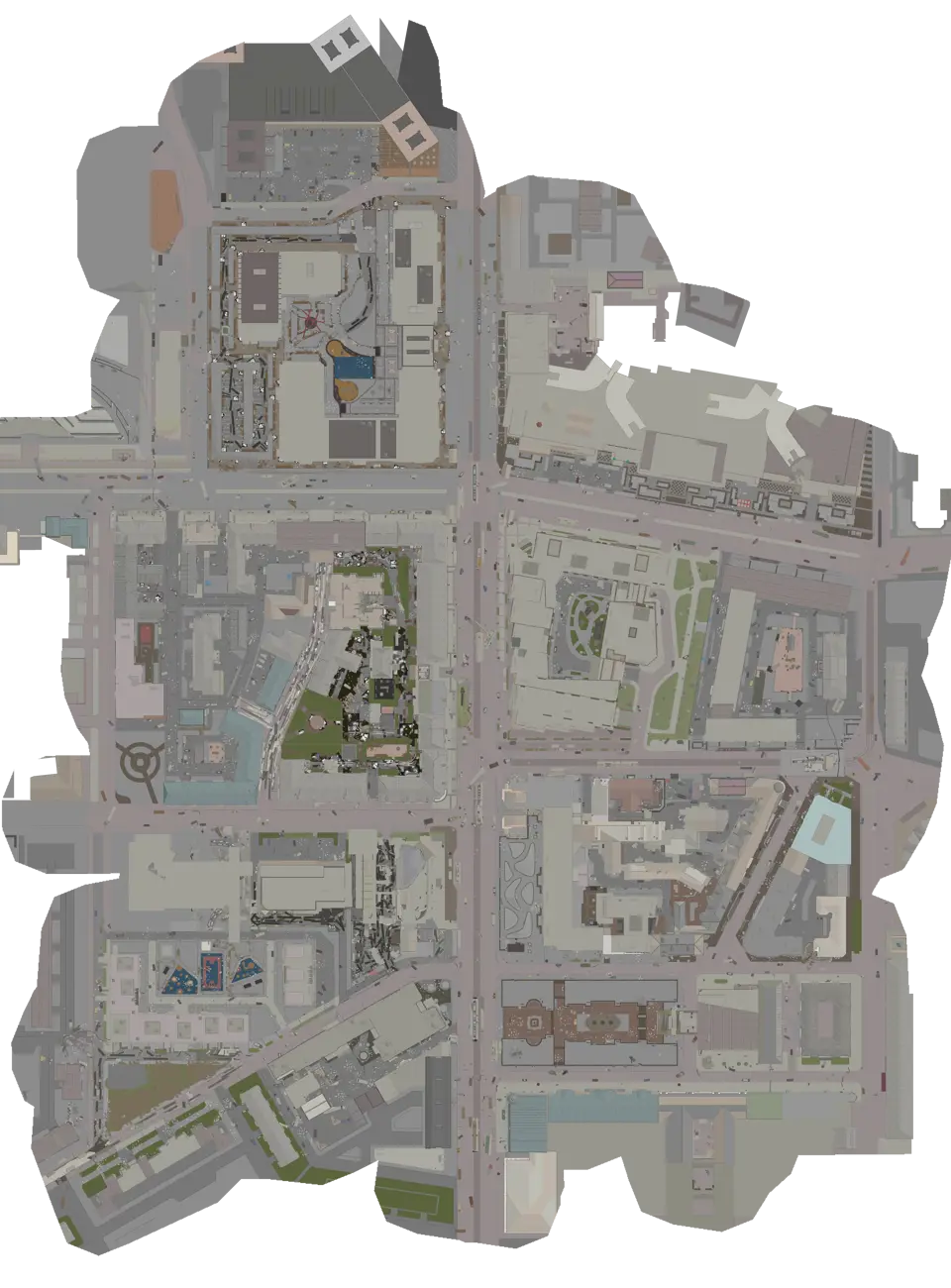
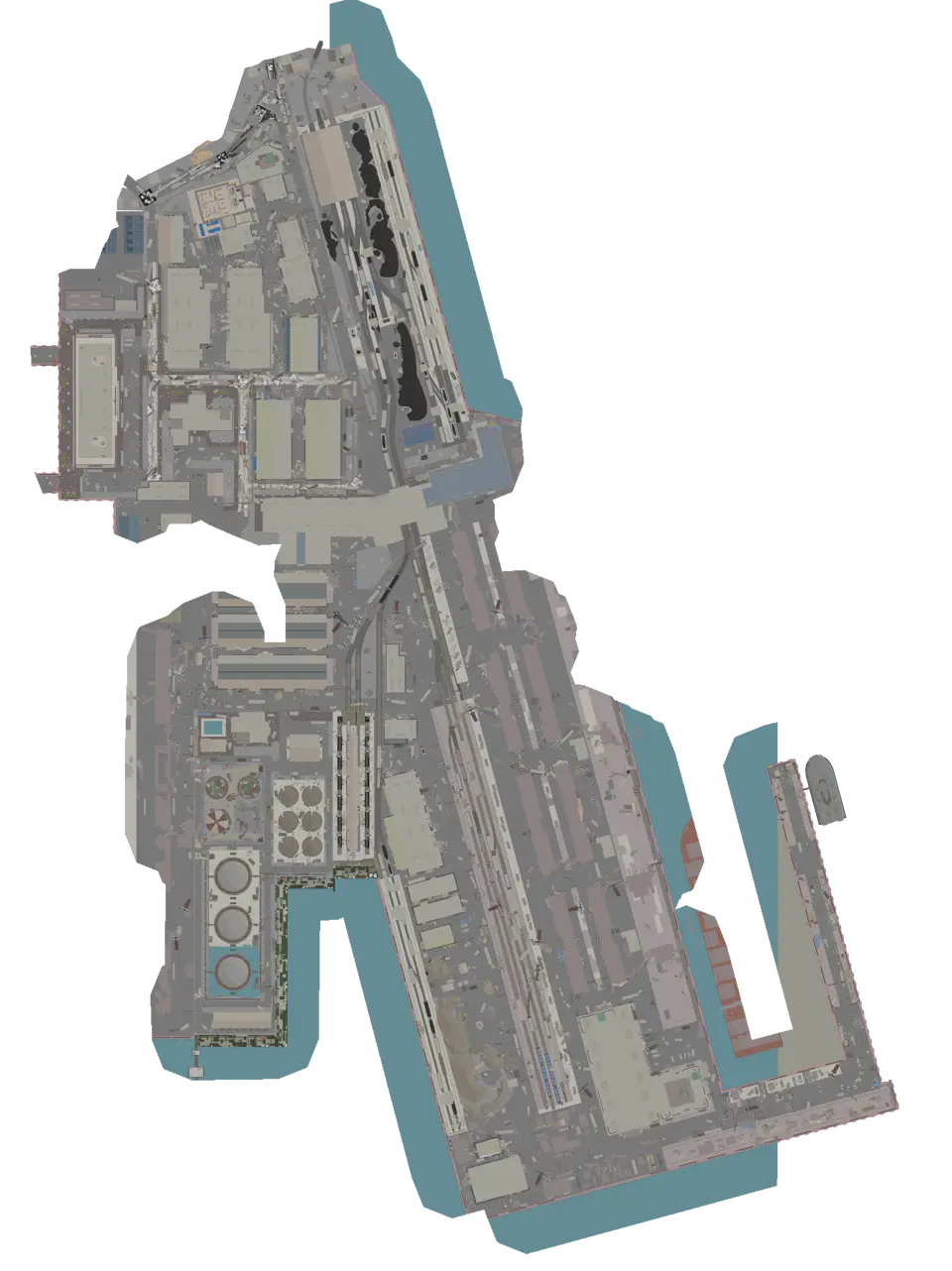
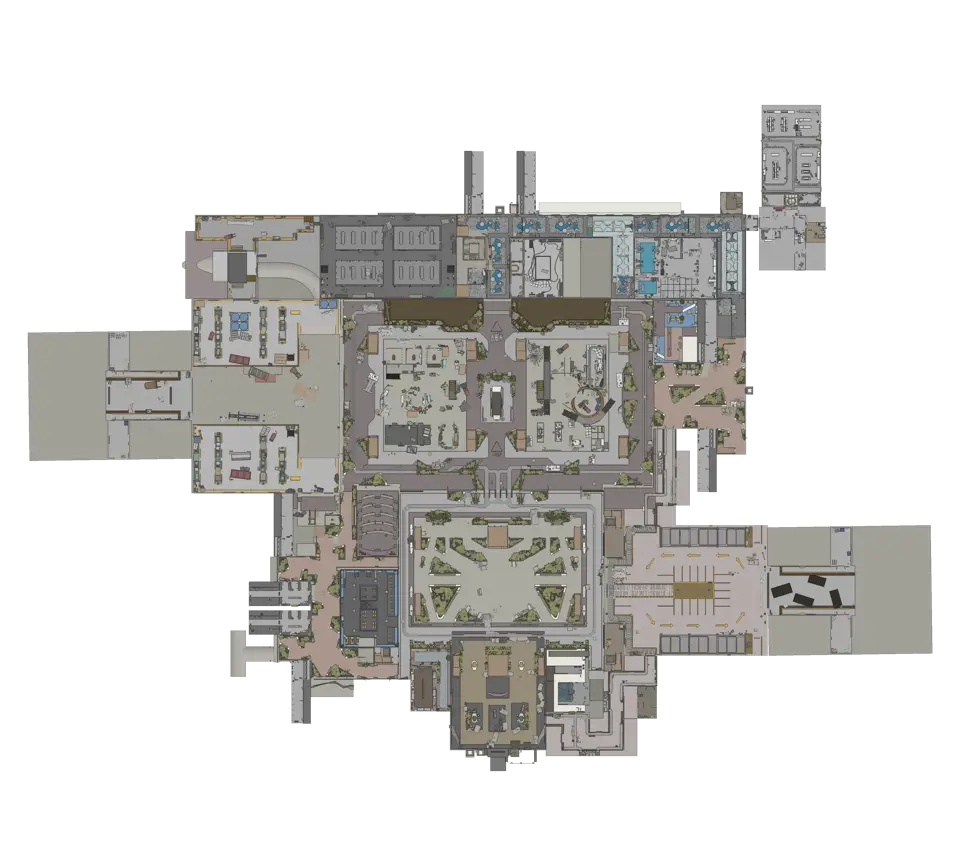
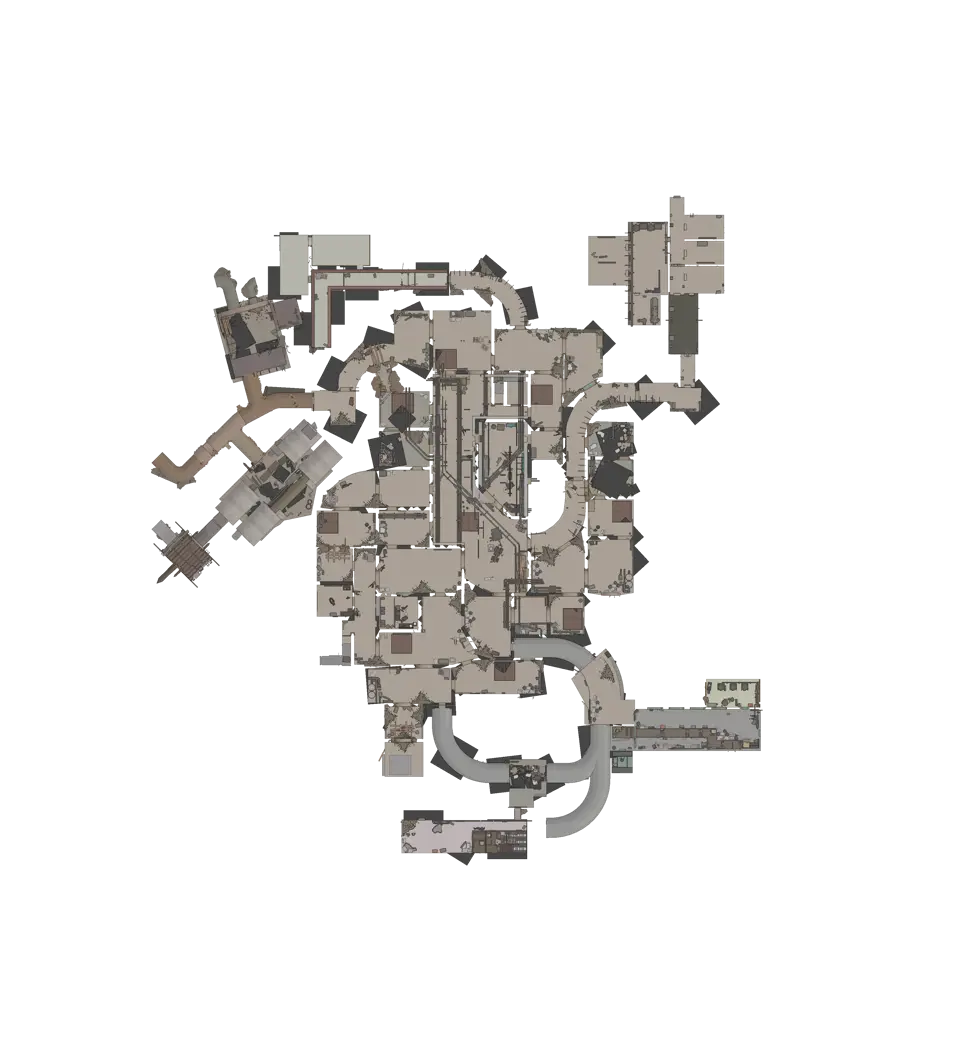
More Escape from Tarkov guides
All Extraction Points and Exits | Escape from Tarkov Map
The raid list decides which exits matter. Match those names to the map, read each marker, and choose a fallback before moving toward the final sector.Read the guideLoot Containers and Loose Loot Routes | Escape from Tarkov
Choose a compact cluster beside the extraction route. Treat containers as known stops and loose-loot markers as possible locations rather than promised items.Read the guideHow to Unlock Escape from Tarkov Maps through Tour
Tour unlocks direct location selection in stages, while several late locations require their own story chapter or a first visit through transit.Read the guideKeys, Locked Doors and Map Controls | Escape from Tarkov
Search the exact door before routing to it. Check the threshold, the return path, and any separate control point without assuming its live state.Read the guideKORD BREACH Documents Map Guide | Escape from Tarkov
Each KORD BREACH document type belongs to three eligible maps, so choose the required type first and search only within its verified location set.Read the guide