S.T.A.L.K.E.R. 2: Heart of Chornobyl Poppy Field Quest Map
The landmark has 1 arch-anomaly marker and 7 conditional side-mission objectives nearby, plus separate character pins for Pomor and Mityay.
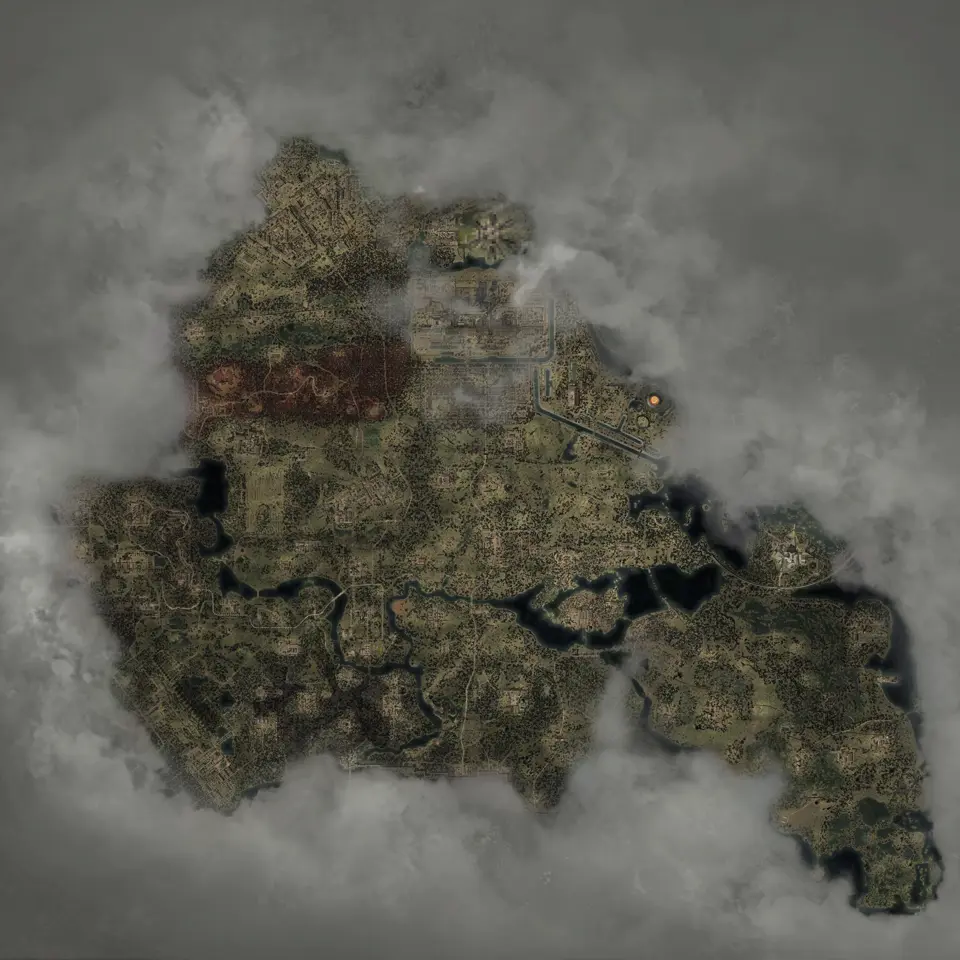
Layers this guide uses


Open the exact arch-anomaly marker. For quest context, turn on Arch Anomaly, Side missions, and Named NPCs. The landmark appears in the large-anomaly layer. Its mission layer has 7 conditional objectives named The Poppy Field.
The layers you need
| Layer | What it adds |
|---|---|
| Large-anomaly pins | The exact named landmark |
| Side missions | 7 conditional objectives tied to The Poppy Field |
| Character pins | Separate markers for Pomor and Mityay |
Quest objectives can share a title because one mission has several steps and outcomes. The 7 points do not represent separate visits to the landmark.
Find Pomor and Mityay
Open Pomor‘s marker for the character at the field. Open Mityay‘s marker for the character tied to the Orthodox icon objective.
Both are NPC markers. Story and quest progress can change whether either character is active in your save.
Read the quest markers in sequence
The Side missions layer includes objectives to talk to Pomor, find Mityay‘s Orthodox icon, collect Pomor‘s order, deliver guns and ammunition, sell the icon, or return it to Mityay.
Those labels describe possible quest stages. Do not try to visit every marker as a checklist before reading the current objective in the game. Begin from the active quest step, select the matching map marker, and use the other points only to understand where later branches can lead.
You choose whether to return the icon to Mityay or sell it to Pomor. The map shows the positions connected to both options.
Before leaving either character, compare the objective text in your journal with the selected point. If the wording has changed, clear the old selection and search the current objective again. This matters around the field because a character pin, the landmark pin, and a conditional mission point can sit close enough to look like one destination at a wide zoom. Follow the active objective, not the nearest icon.
When the route crosses the field, use the named landmark as orientation and keep the character destination selected. The map can place the relevant points, but it cannot show the safe timing of each step through the anomaly or decide which quest choice you want. Move according to the hazards visible in the game, then return to the selected point after each detour.
A clean route view
Begin with the three quest layers. Once you know which objective is active, remove Side missions and keep only the selected point plus Locations. This avoids covering the field with every possible quest state.
If the landmark itself is hard to approach, add Anomaly Fields only after zooming in. That layer has 1,523 markers across the open world and is too dense for a full-map quest view.
Copy the selected marker link before changing filters. If you later reopen the guide after a save reload, the link restores the same point and camera instead of forcing you to identify it again among several conditional objectives. Keep only one quest point selected at a time, and remove the hazard layer once you have confirmed the final approach.
Use Mark as found only as a browser-local note for a point you personally checked. It fades the marker; it does not change the mission or identify which conditional branch remains active.
Maps in this guide
More S.T.A.L.K.E.R. 2: Heart of Chornobyl guides
S.T.A.L.K.E.R. 2: Heart of Chornobyl Zone Interactive Map
The S.T.A.L.K.E.R. 2: Heart of Chornobyl map holds 17,109 markers in 49 layers, including named borders, landmarks, and loot for Iron Forest and CNPP.Read the guideHow to Begin S.T.A.L.K.E.R. 2: Cost of Hope: Save Guide
The cleanest S.T.A.L.K.E.R. 2: Cost of Hope start is after leaving Lesser Zone, when Answers Come at a Price begins, but an eligible existing save or a DLC skip start also works.Read the guideS.T.A.L.K.E.R. 2: Heart of Chornobyl Iron Forest DLC Map
The map shows S.T.A.L.K.E.R. 2: Cost of Hope landmarks and loot in Iron Forest and CNPP. Use the in-game journal for DLC missions and confirm available services in your current save.Read the guideS.T.A.L.K.E.R. 2: Heart of Chornobyl Update 2.0 Guns Map
The map has fixed Update 2.0 markers for ARev, GP3A, and Fora-230. Other new models without a published fixed point are outside this location checklist.Read the guideS.T.A.L.K.E.R. 2: Heart of Chornobyl Exoskeleton Map
The current S.T.A.L.K.E.R. 2: Heart of Chornobyl map has 106 standard suit placements and 2 Unique Armor pins for that unique suit, including 12 exoskeleton placements; selected models are compared below.Read the guide